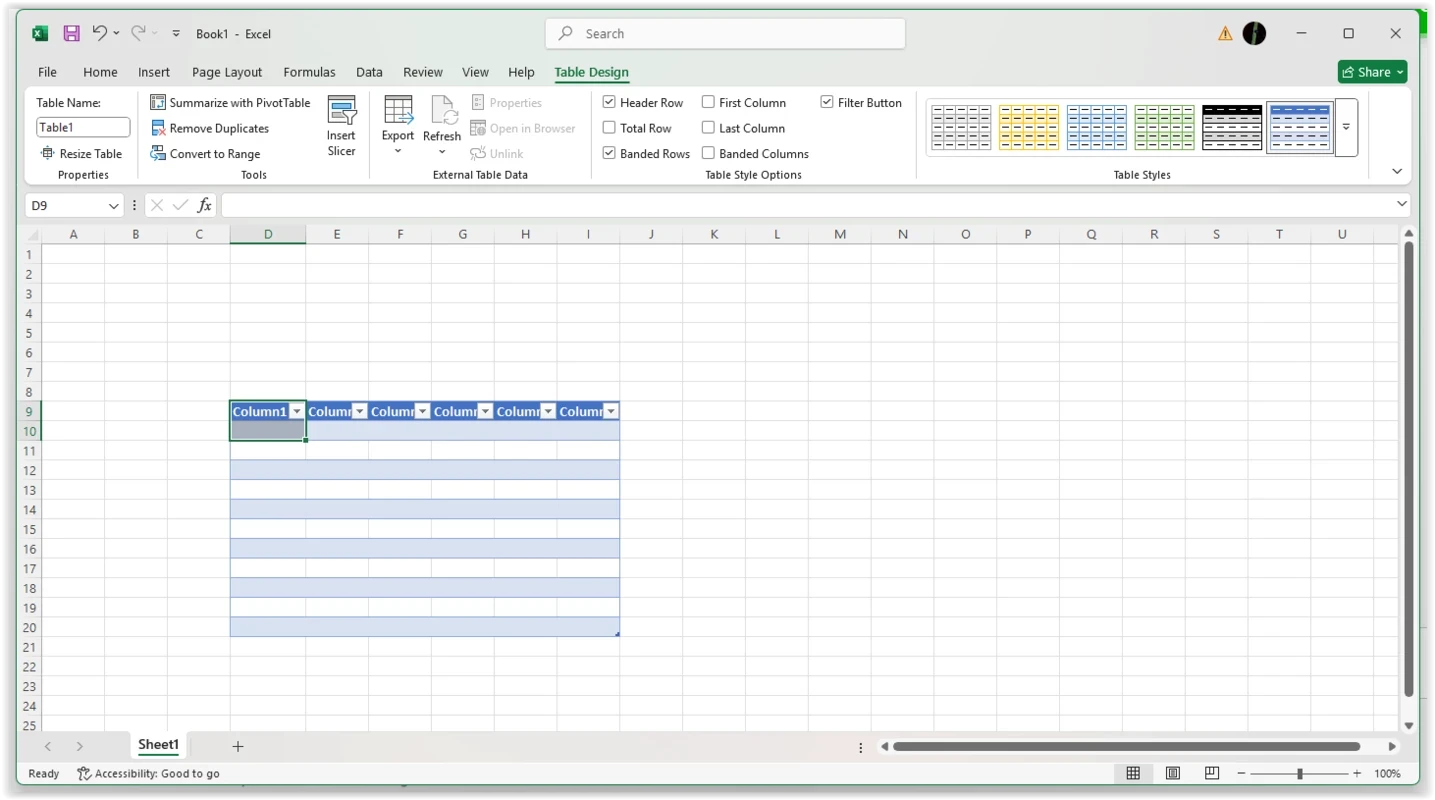
Microsoft Excel 16.0.19725.20152 for Windows is a current build of Microsoft's spreadsheet program for tables, formulas, charts and data analysis. It is part of Microsoft 365, and you download it through your Microsoft account rather than as a standalone free installer.
Specifications
| Parameter | Value |
|---|
| Program | Microsoft Excel |
| Build | 16.0.19725.20152 |
| Developer | Microsoft Corporation |
| Licence | Proprietary, end-user licence agreement |
| Distribution | Microsoft 365 subscription or standalone purchase |
| Platforms | Windows, macOS, Android, iOS, web |
| First release | 30 September 1985 |
| Category | Office and business tools |
What Excel does
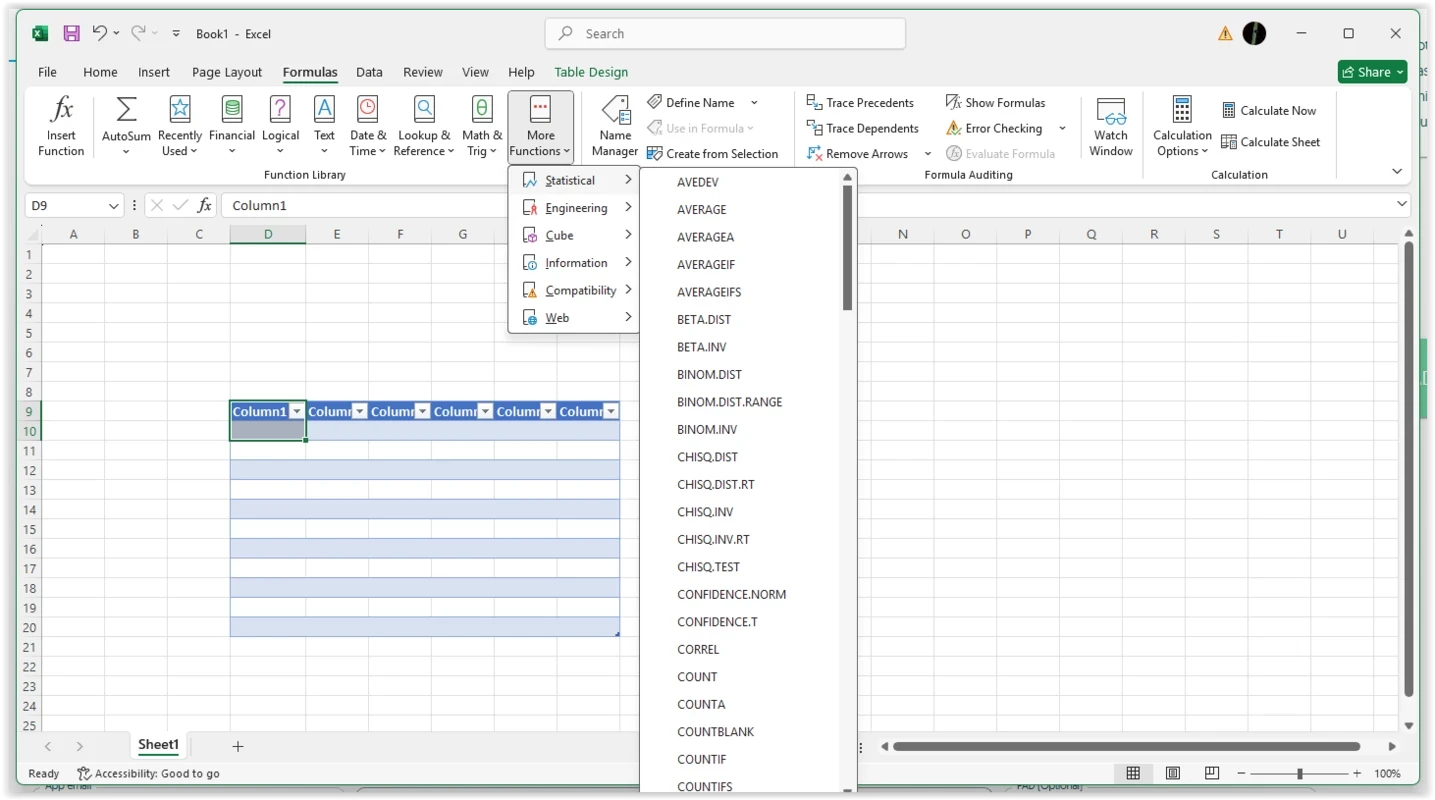
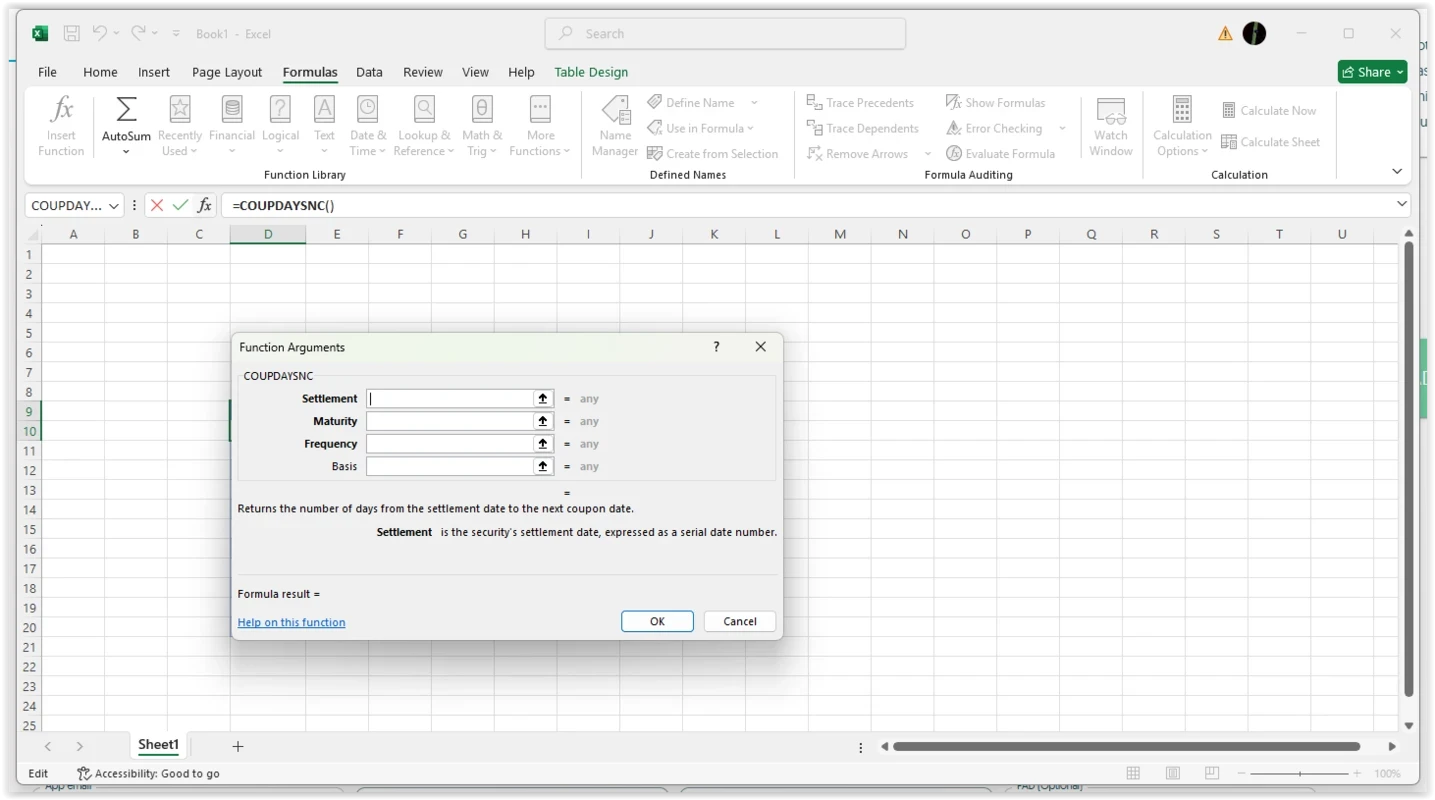
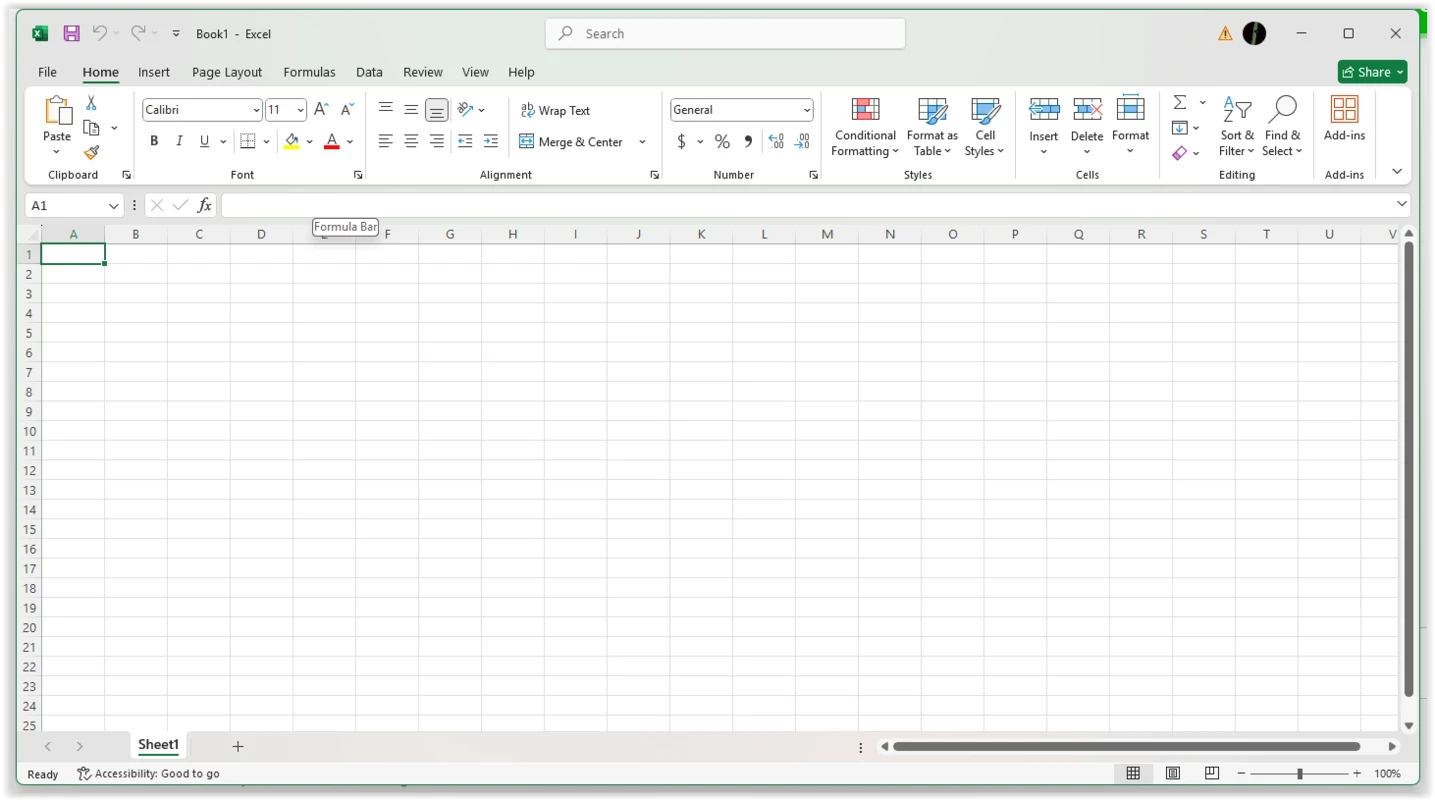
Excel is a spreadsheet: a grid of cells where you enter numbers and text, then let formulas do the counting. People use it for everything from a household budget to company reporting. You can sort and filter tables, build charts from a range of data, summarise large tables and automate repetitive steps. Because the file format is so widespread, Excel is also the common language for exchanging tables between companies, accountants and schools. The program has been around since 1985, and the version number 16.0 has stayed in place for years while Microsoft ships new features through regular updates. That means the long build number, such as 19725.20152, tells you more about how fresh your copy is than the headline version does.
How to get Excel
- Visit the official product page, products.office.com/excel, and choose a plan or sign in.
- From your Microsoft account, download the Microsoft 365 installer; it installs Excel together with the other apps in your plan.
- Sign in inside Excel to activate the licence.
- Leave automatic updates on so new builds arrive without extra steps.
If you only need to view or make light edits, Excel for the web runs in a browser; see what's new in Excel for the web.
System requirements
Microsoft publishes the requirements for Microsoft 365 on its website; in general you need a supported version of Windows and a Microsoft account for activation. Check that your PC is supported before you buy a plan.
Getting started tips
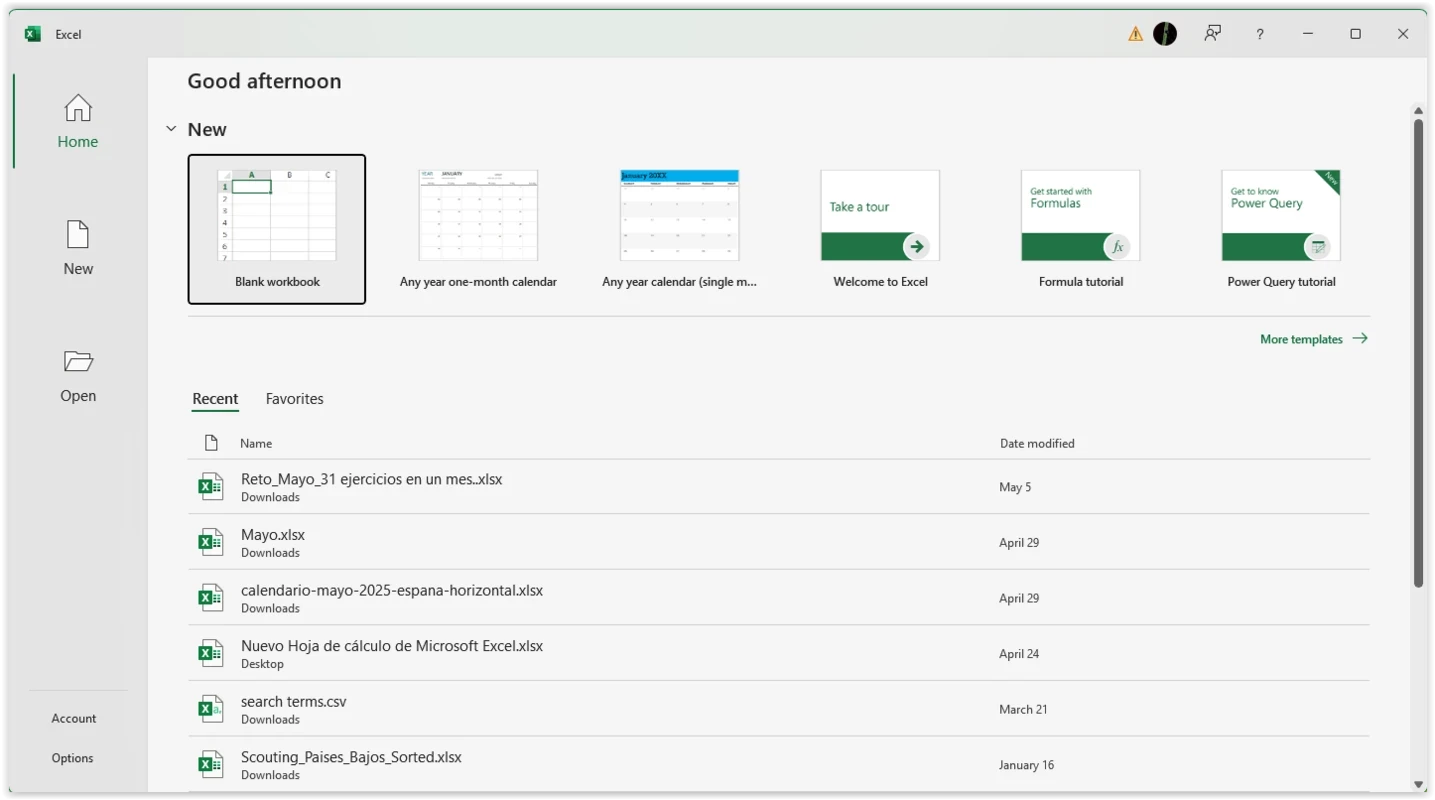
New to spreadsheets? Begin with a ready-made template, keep one kind of data per column so sorting and filtering behave, and save important workbooks to cloud storage so you have a copy if the PC fails. Learning a handful of functions covers most everyday tasks.
Safety
Download Excel only through Microsoft. Cracked copies and fake activators are a common source of malware. Keep macros disabled in files from unknown senders, and be careful with spreadsheets that ask you to enable content right after opening.
Pros and cons
- Pro: industry-standard file format.
- Pro: deep formula, chart and analysis tools.
- Pro: regular feature updates.
- Con: needs a paid subscription or licence.
- Con: advanced features take time to learn.
Alternatives
Other office programs in our listings: LibreOffice, WPS Office, Google Sheets and Microsoft 365 Office (UWP).