
Microsoft Word
Microsoft Word for Android is the mobile version of Microsoft's word processor. This page covers build 16.0.20228.20090.
140.5 MB
16.0.20228.20090 · Microsoft Corporation · Page updated
Microsoft Excel for Android is Microsoft's spreadsheet app for phones and tablets. This page covers build 16.0.20228.20090.
Average 0.0 · ratings: 0
Thank you! Your rating is saved; you can change it. Could not save the rating. Please try again later. Too many ratings from your network today. Please try again tomorrow. The average appears after 5 ratings.
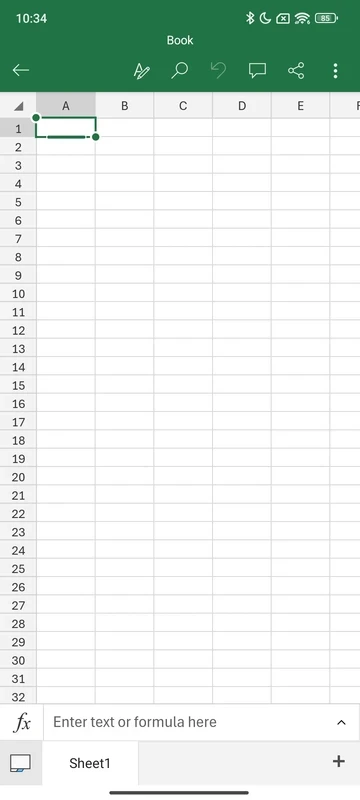
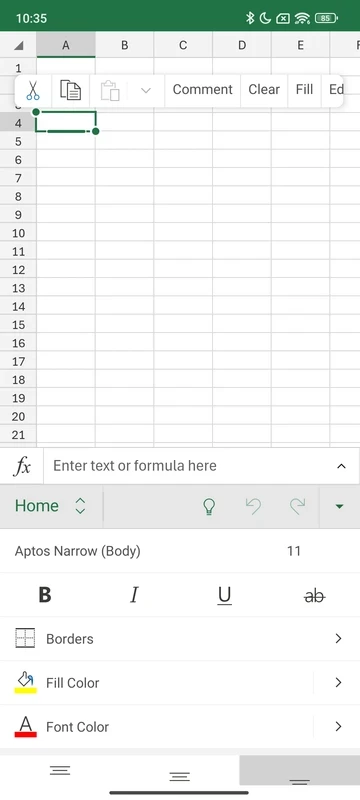
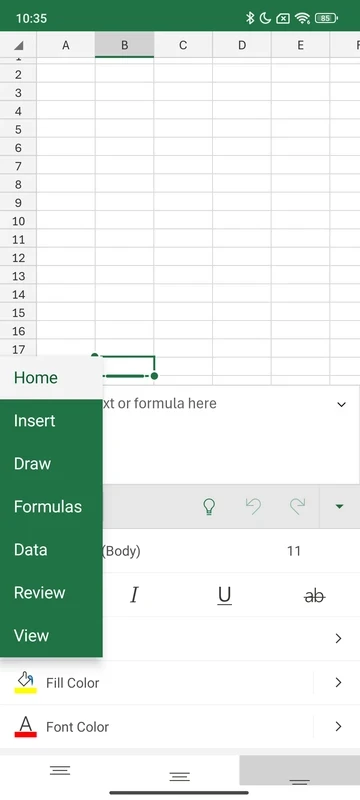
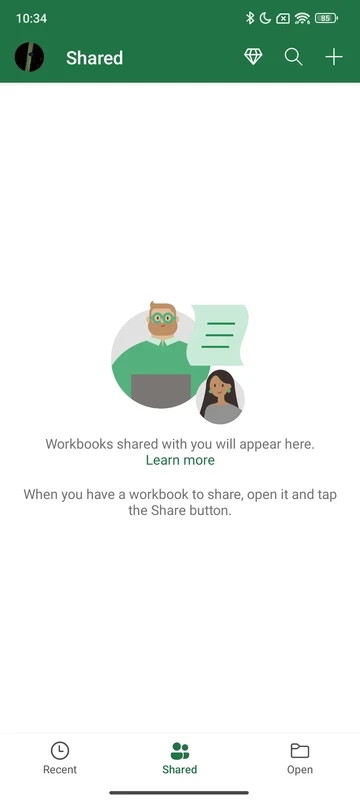
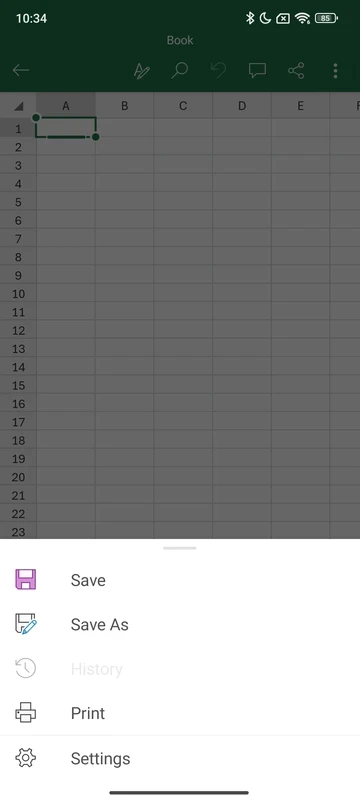
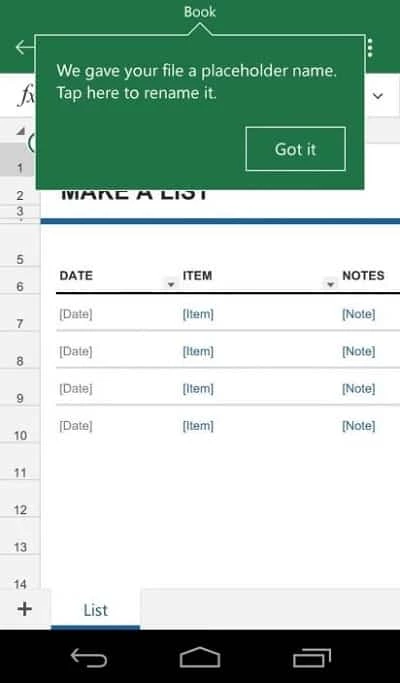
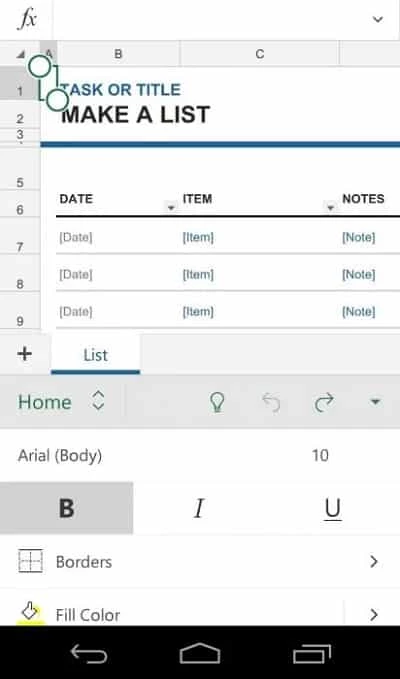
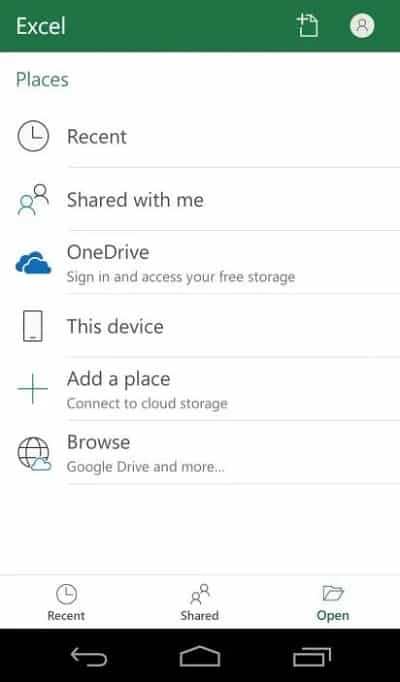
Microsoft Excel for Android, build 16.0.20228.20090, is the mobile version of Microsoft's spreadsheet program. You can download it free from Google Play to open, edit and create workbooks on a phone or tablet; below are answers to the questions people ask before installing it.
Excel is the spreadsheet editor that Microsoft has been developing since 1985 and that is now part of Microsoft 365. The Android app brings the same file format and the core of the desktop program to a touch screen. You can type numbers, write formulas, sort and filter data, build charts and share a workbook with colleagues directly from the phone. Files open from the device or from cloud storage you connect, so a report someone sends by email can be checked and corrected in a few taps. On a tablet with a keyboard the app becomes a reasonable tool for real work; on a phone it is best for reviewing figures, fixing a cell or adding a row while you are away from the desk.
The app itself is free to download and install. Basic viewing and editing work with a free Microsoft account, while the full set of features is unlocked with a Microsoft 365 subscription. If your employer or school gives you a Microsoft 365 account, sign in with it to get everything your plan includes.
The download is about 134.92 MB according to catalogue data. Workbooks you open are cached on the device, so leave some extra free space.
Yes, when installed from Google Play. Avoid modified APK files that promise premium features for free; they are a common way to spread malware and steal account details. Protect your Microsoft account with two-step verification.
Yes. Excel for the web runs in a mobile or desktop browser; Microsoft keeps a list of what's new in Excel for the web. The app is more comfortable on a phone, though.
Turn the phone sideways to see more columns, freeze the header row so labels stay visible while you scroll, and zoom out before selecting large ranges. For serious edits, open the same workbook later on a computer; the app is ideal for checks and quick fixes, not for building a model from scratch.
Other office apps for Android in our listings: Google Sheets, Microsoft Office 365, Microsoft Word and Google Docs.
Microsoft Word for Android is the mobile version of Microsoft's word processor. This page covers build 16.0.20228.20090.
Google Sheets is Google's free spreadsheet app with real-time collaboration. This page covers the Android app, version 1.26.351.01.90.

Adobe Acrobat Reader for Android is Adobe's free app for opening, reading, commenting on and signing PDF files on a phone or tablet.
Google Docs is Google's free word processor with real-time collaboration. This page covers the Android app, version 1.26.351.03.90.